
Bull heat-on light: what the warming drawer's red light tells you
Bull's warming drawer has a single red heat-on light above its temperature dial.
Mon–Sat, 8am–8pm
- Power and controls
- Outdoor kitchen GFCI and power repair
- Source: Bull
Book a visit
Three short steps, about a minute.
or call (844) 449-0269
Loading appointment form…
The appointment form couldn’t load. Please try again.
What Heat-on light
actually means.
Bull's warming drawer has a single red heat-on light above its temperature dial. It turns on when the dial is set and goes on and off with the heating element as the drawer holds temperature, so a light that cycles is normal. A light that never comes on means the element is not being powered.
Bull outdoor kitchen display · also shown as red heat light
What to do when Heat-on light shows on the outdoor kitchenKind of codePower and controls
The control lost its power or lost track of itself: voltage too low on a long run from the house, a GFCI that dropped and came back, a relay that no longer closes, a display gone dark after a storm, or a board that took moisture. Resetting the GFCI once, with the outlets dry, can clear a passing glitch. A code that returns, a GFCI that trips again, or any burning smell means the circuit stays off and the wiring inside the island is left to a technician.
Usually leads toOutdoor kitchen GFCI and power repair
A GFCI that trips in rain or will not reset, dead units, chewed or wet cords in the island, traced to one appliance or the outlet.
Shows up asOutdoor Kitchen Error Code on a Cooler, Ice Maker or Drawer
An outdoor kitchen error code shows as letters or numbers on a cooler display, a flashing light on an ice maker, or a blinking indicator on a warming drawer.
MakeBull
On a Bull island, our technician reads the label, clears debris from the burner tubes by sight and confirms the supply is open before lighting anything.
SourceBull Warming Drawer installation and operating instructions (SKU 85747)
Bull Stainless Steel Warming Drawer with Reveal (SKU 85747).
Before you book,
in this order.
Each step comes from Bull's own guidance for Heat-on light on its outdoor kitchens. Follow it to the end: the last card says whether this is a visit.
Turn the dial to a setting between 1 and 10 and give the light a moment to come on.
Check that the drawer is plugged in and that the island's breaker and GFCI have not tripped.
If the light is on but the drawer stays cold, or the light stays dark with power present, book a visit to test the thermostat and element.
Still there?
It usually turns into outdoor kitchen gfci and power repair. Book with the code and the model number.
What not to do
A light that goes off for a while is the thermostat holding temperature, not a failure. The light also says nothing about food safety; the dial ranges from about 60°F to 220°F, and low settings are for proofing dough rather than holding cooked food.
What you may
notice with it.
The outdoor kitchen problems Heat-on light tends to arrive with. Answer these at the outdoor kitchen before anyone is booked.
All problems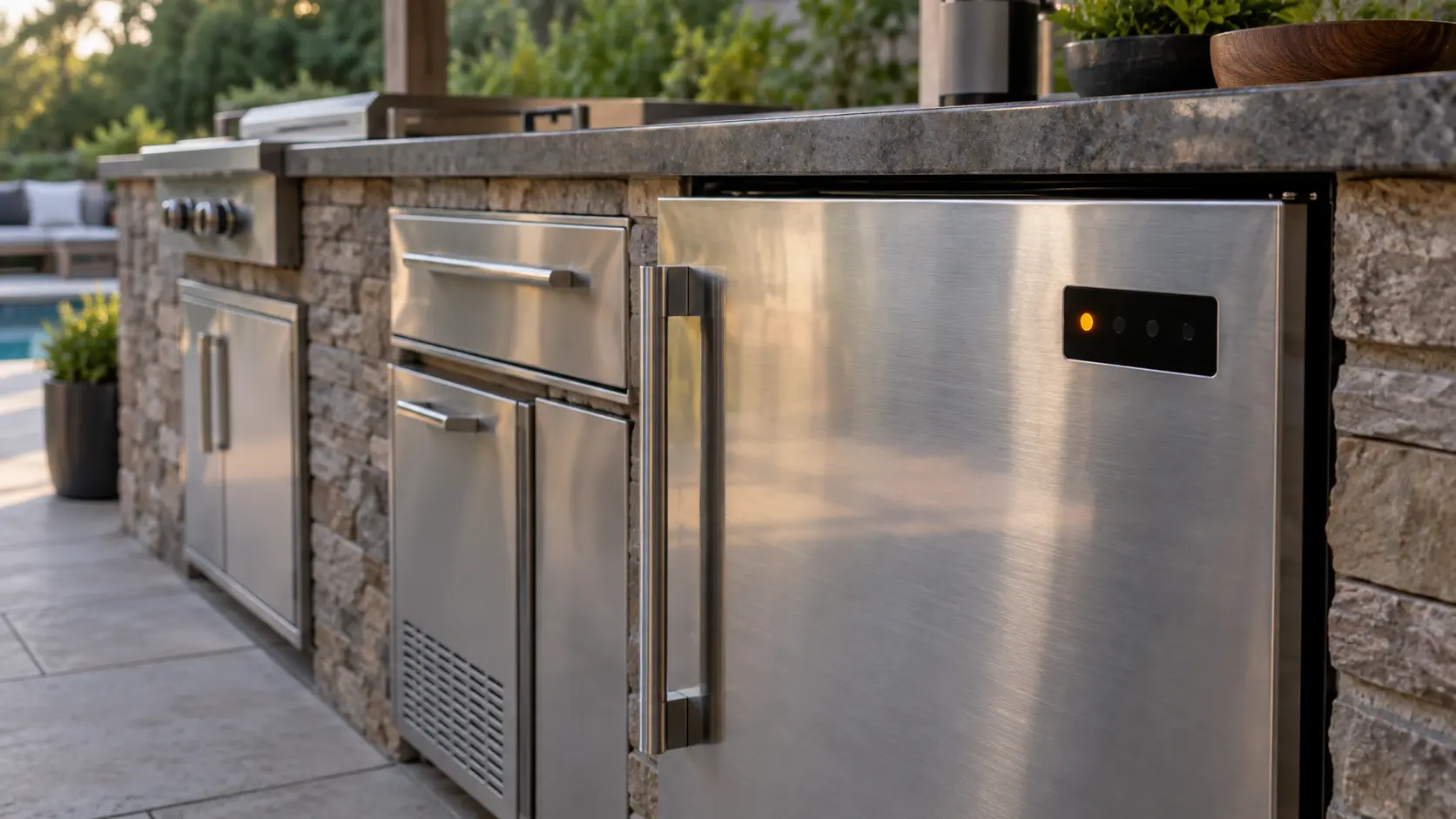
Where Heat-on light usually leads
Outdoor kitchen GFCI and power repair.
Bull
outdoor kitchens.
On a Bull island, our technician reads the label, clears debris from the burner tubes by sight and confirms the supply is open before lighting anything.
Bull outdoor kitchen repairMore Bull codes
Power and controls on other makes
Outdoor kitchen cooler
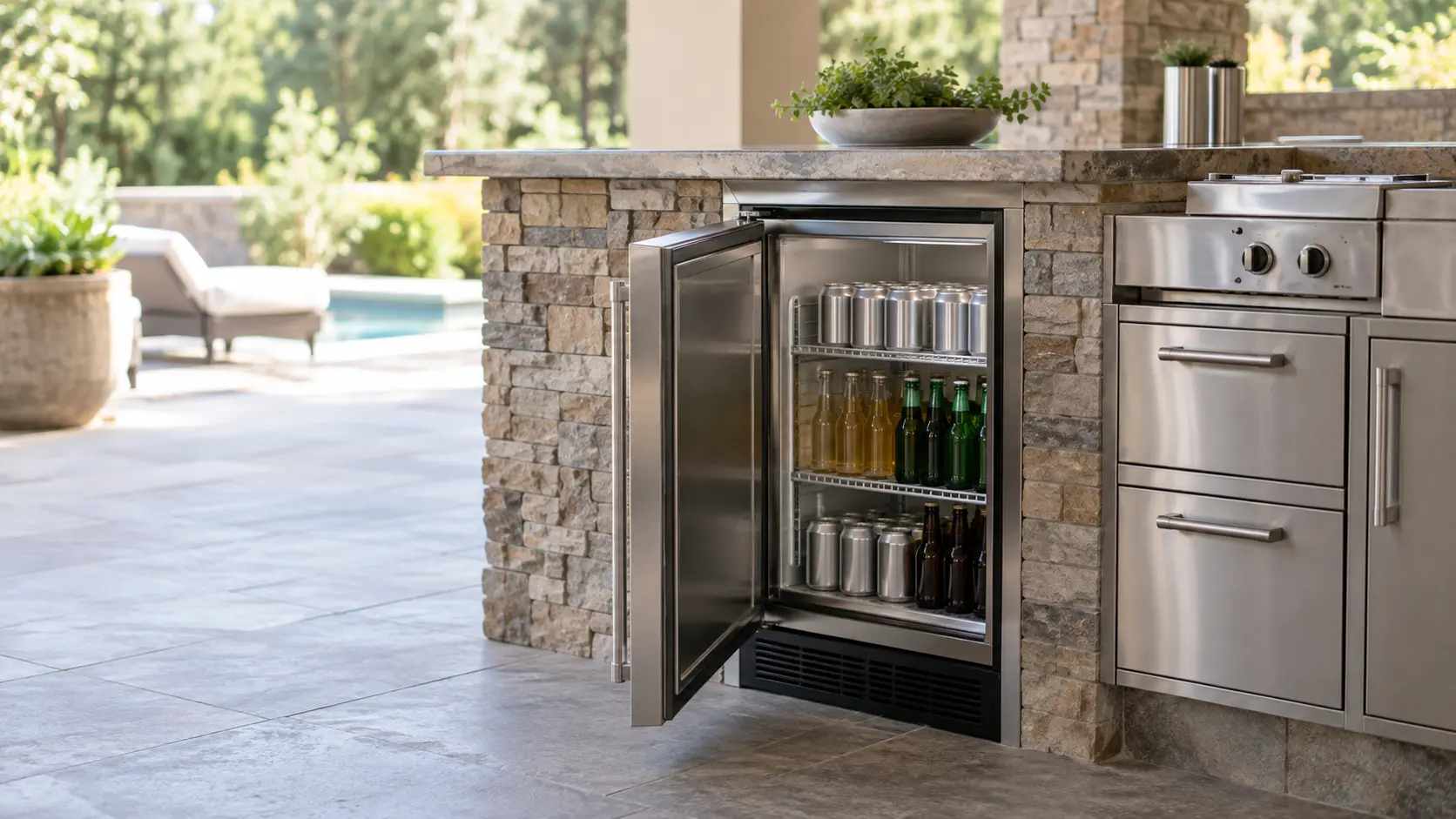
An outdoor-rated refrigerator, cold drawer or kegerator built under the island counter, sealed and vented to keep drinks cold through patio heat, sun and blowing rain.
Outdoor ice maker
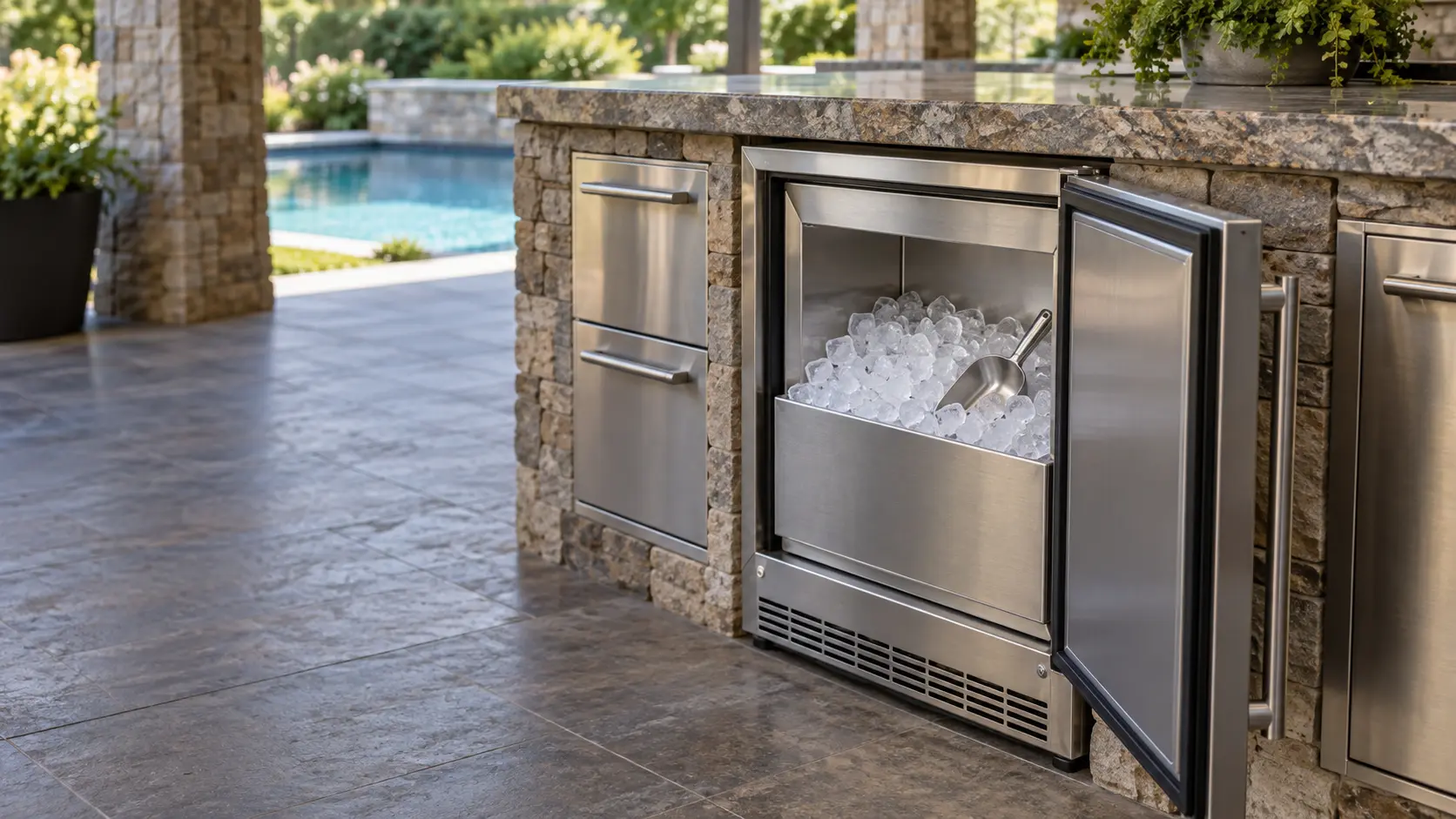
An outdoor-rated ice maker built into the island that turns a garden water line into clear cubes, with a drain or a drain pump beneath it and a sealed stainless cabinet.
Side and power burner
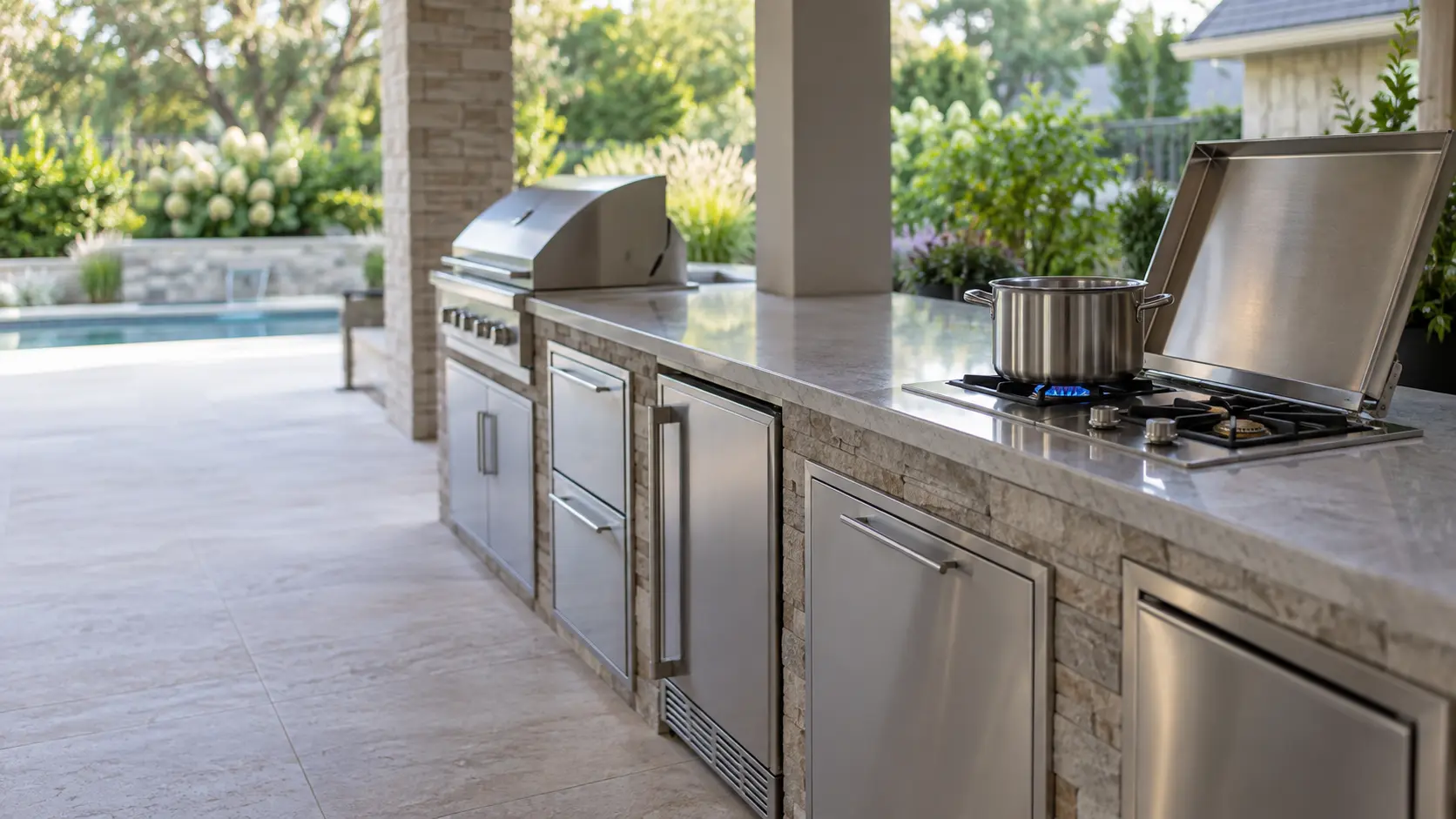
A single or double gas burner set into the island counter beside the main cooking head, for a pot of corn or a wok, from a gentle simmer to a high-output power burner.
In Bull's own words
The red light turns on when the control knob is set and cycles “on” and “off” with the heating element as temperature is maintained.
Every code on this site is taken from the manufacturer's documentation, never from a forum or a parts listing. Bull Stainless Steel Warming Drawer with Reveal (SKU 85747).
Bull Heat-on light outdoor kitchen repair,
where we come out.
The same visit in every metro below: the code, the model number, and a diagnosis before any part is ordered.
All service areasTampa BayFL · 31 areas
Miami / South FloridaFL · 47 areas
New York MetroNY · 75 areas
HoustonTX · 36 areas
ChicagoIL · 50 areas
Los AngelesCA · 95 areas
San DiegoCA · 31 areas

Questions
about Heat-on light.
Can I clear Heat-on light myself?
Why does the red light on my Bull warming drawer keep going off?
My Bull warming drawer light is on but the food is cold. What now?
Can rain stop my Bull warming drawer from heating?
Back to your everyday
Still showing Heat-on light?
A booking with a code gets further when it carries the code or light copied exactly, the model and serial from the plate, and a word on whether the unit still cools, lights or makes ice. With those three the office can match the probable part to your outdoor unit the same afternoon.